Facebook Instagram Google

Best Pendrive Data Recovery Software in Pune

Losing important data from your pendrive can be stressful—whether it’s due to accidental deletion, formatting, virus attacks, file corruption, or physical damage. Fortunately, modern data recovery software for pendrive makes it possible to restore lost files quickly and safely. In this guide, we’ll explore what pendrive data recovery is, common causes of data loss, the best pendrive data recovery software, and tips to maximize recovery success.

What Is Pendrive Data Recovery?

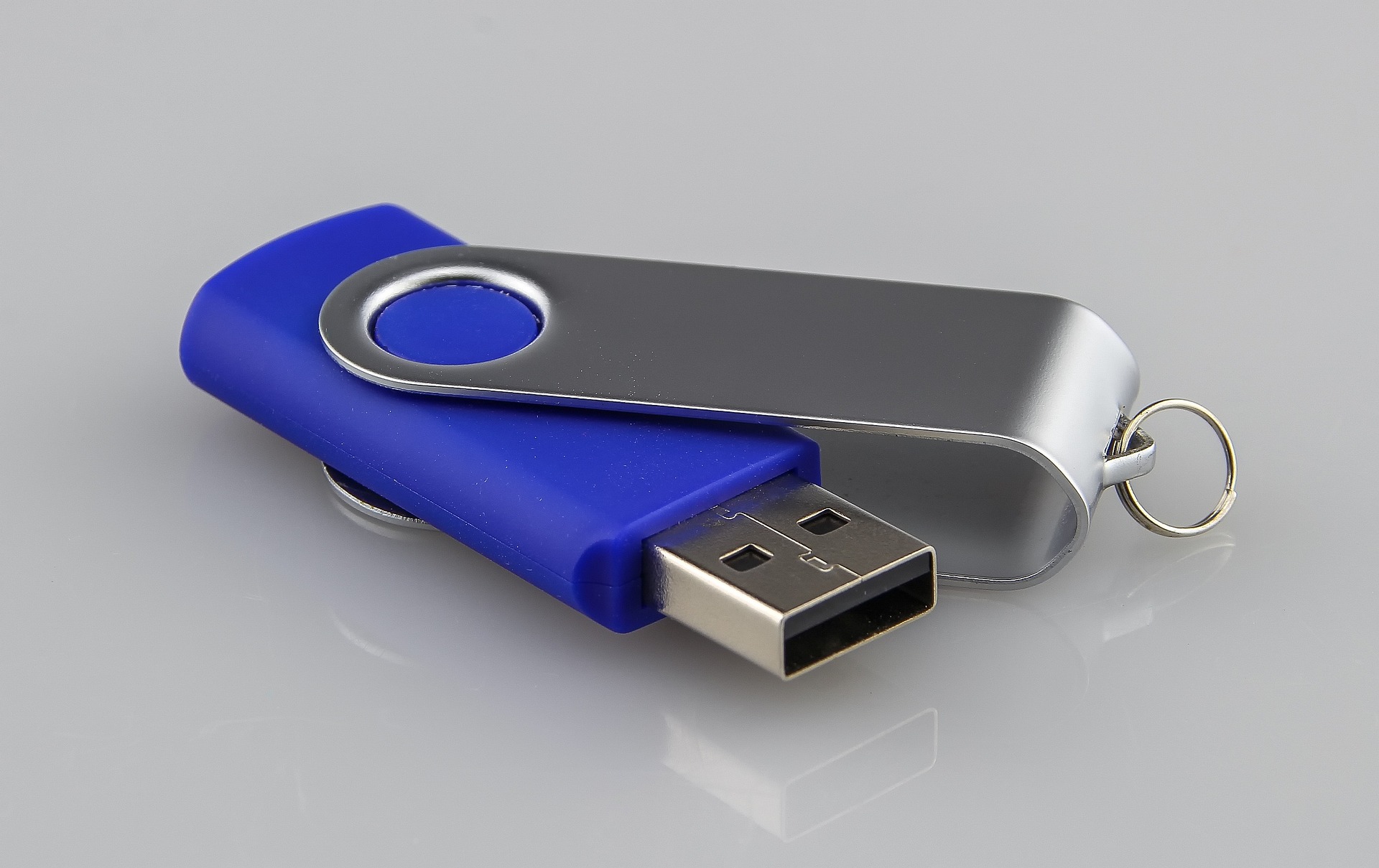
Pendrive Data Recovery is the specialized process of retrieving lost, deleted, formatted, or inaccessible data from a USB flash drive (pendrive). Whether your data is missing due to accidental deletion, sudden removal, virus attacks, file corruption, or physical damage to the pendrive, recovery experts use advanced tools to scan the storage media and restore your important files without compromising the integrity of the device.


Pendrive Data Recovery

Common Causes of Pendrive Data Loss

  • Accidental file deletion
  • Improper pendrive removal
  • Virus or malware attacks
  • File system corruption
  • Formatting errors

Choosing Pendrive Recovery Software

  • Supports USB flash drives
  • Windows & Mac compatibility
  • Multiple file format recovery
  • Easy-to-use interface
  • Free & paid options available

How to Recover Pendrive Data

  • Stop using the pendrive immediately
  • Install recovery software on your computer
  • Connect and scan the pendrive
  • Preview recoverable files
  • Save data to a safe location

Pendrive Recovery Success Tips

  • Do not reuse the pendrive
  • Avoid overwriting lost data
  • Safely eject the pendrive
  • Scan for viruses regularly
  • Use trusted recovery tools only

Specialized Pendrive Data Recovery Solutions

We use industry-leading tools to ensure the highest recovery success rate for USB flash drives.

Stellar USB Recovery

Best for scanning corrupted pendrives and restoring lost FAT/exFAT file systems.

Disk Drill USB

Deep scan recovery for accidentally deleted, formatted, or virus-infected pendrives.

EaseUS USB Recovery

Recovers data from RAW, formatted, or inaccessible USB flash drives quickly and safely.

Rudra Professional Lab

Advanced tools for physically damaged pendrives, broken connectors, and controller chip recovery.

Gallery

Our awesome gallery.

Pendrive Data Recovery – Frequently Asked Questions

Pendrive Data Recovery FAQ

Yes, data deleted or formatted from a Pendrive can often be recovered as long as the files have not been overwritten by new data. It is crucial to stop using the USB drive immediately once data loss is discovered.

If your Pendrive is not showing up, try connecting it to a different USB port or another computer. If it still isn't detected, it might have a physical hardware issue or a corrupted controller chip, which requires professional recovery services.

Yes, in many cases, data can be recovered even if the USB connector is snapped or the casing is broken. As long as the internal NAND flash memory chip is intact, experts can perform a "chip-off" recovery to extract your files.

The time required depends on the storage capacity (e.g., 16GB, 64GB, 128GB) and the nature of the damage. Logical recovery can take a few hours, while physical repairs may take 1 to 2 business days.

While some free tools exist for simple deletions, they can sometimes cause more harm than good on failing hardware. For critical or business data, it is always safer to consult professional recovery experts.

Our Location

Housing Society, Rupeenagar, Sahyog Nagar, karverr, Pune, Maharashtra 411062

Telephone

+91 80878 75242