Facebook Instagram Google

Best Data Recovery Software for Computers

Losing important data from your computer can be stressful—whether it’s due to accidental deletion, hard drive failure, virus attacks, or system crashes. Fortunately, modern data recovery software for computers makes it possible to restore lost files quickly and safely. In this guide, we’ll explore what data recovery is, common causes of data loss, the best data recovery software for computers, and tips to maximize recovery success.


What Is Data Recovery?

Data recovery is the process of retrieving lost, deleted, corrupted, or inaccessible data from storage devices such as hard drives, SSDs, USB flash drives, memory cards, and external drives. Advanced data recovery tools scan storage media to locate recoverable files and restore them without damaging the system. Data recovery solutions are widely used by individuals, businesses, IT professionals, and SEO bloggers who rely on critical digital assets.

Data Recovery

Common Causes of Data Loss

  • Accidental deletion
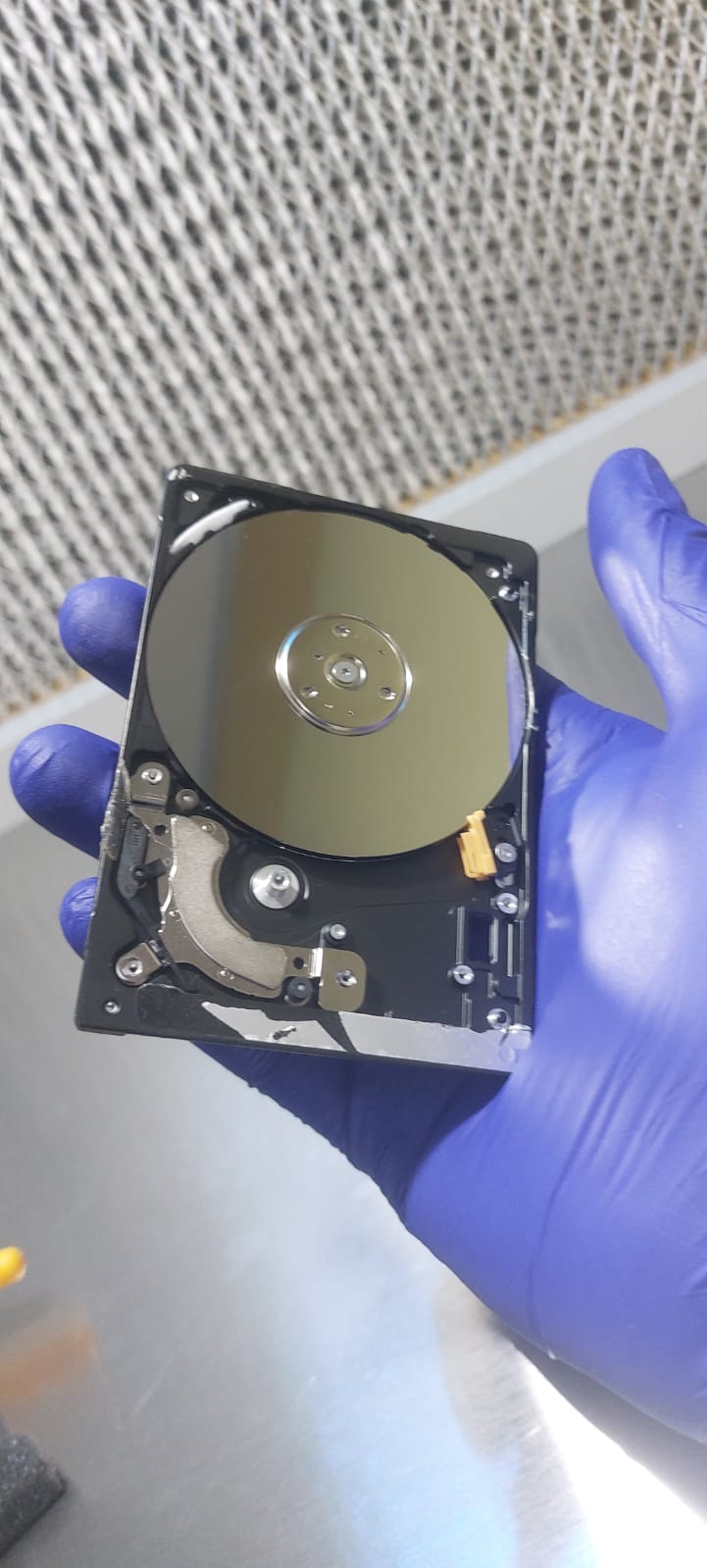
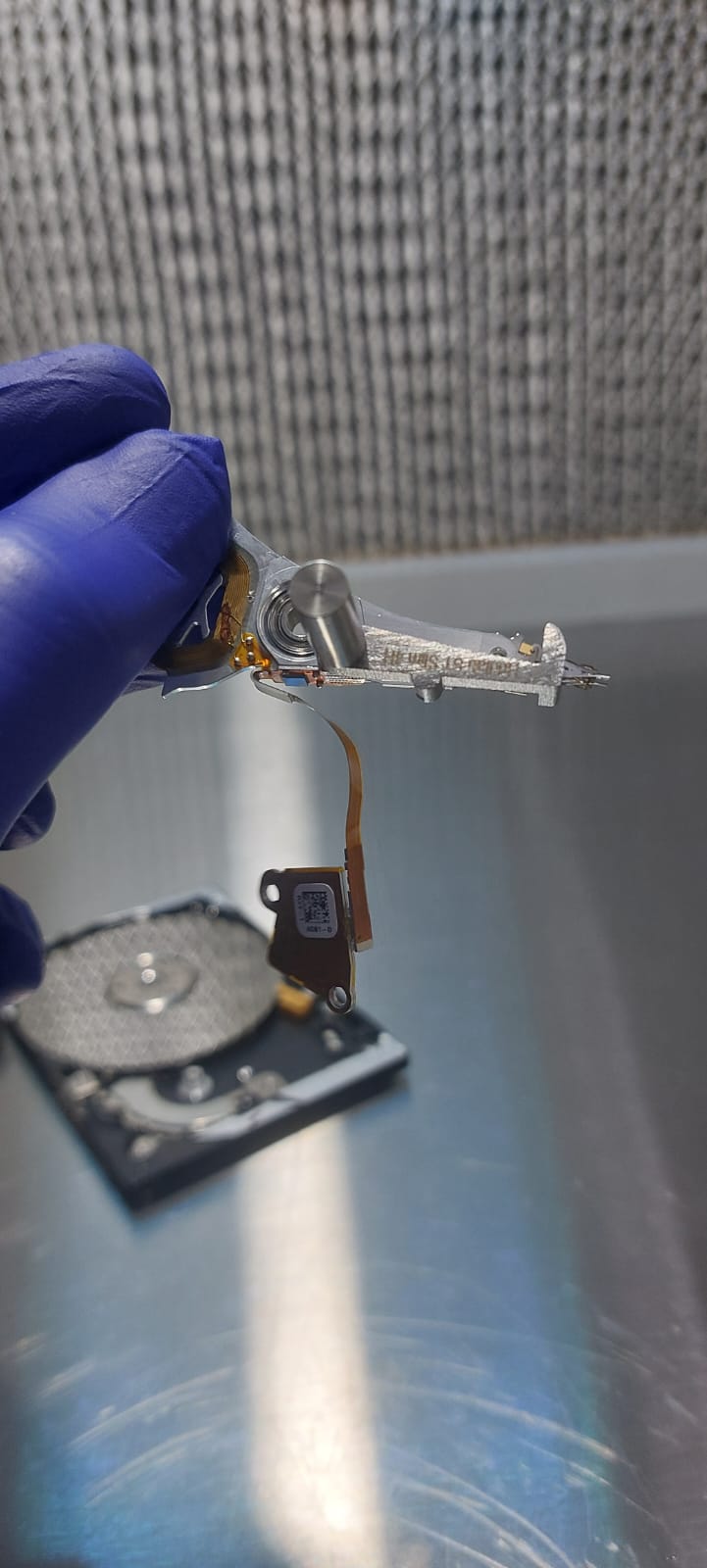
  • Hard drive failure
  • Virus or malware attacks
  • System crashes
  • Formatting errors

Choosing Recovery Software

  • Windows & Mac compatibility
  • Supported file types
  • Beginner-friendly interface
  • High recovery success rate
  • Free vs paid pricing

How to Recover Data

  • Stop using the drive
  • Install software on another drive
  • Scan the affected drive
  • Preview recoverable files
  • Save data to safe location

Recovery Success Tips

  • Act quickly after data loss
  • Avoid unnecessary installs
  • Keep regular backups
  • Use antivirus protection
  • Use trusted tools only

Best Data Recovery Software for Computers

Here are some of the top data recovery tools trusted worldwide:

Stellar Data Recovery

  • User-friendly interface
  • Supports Windows & Mac
  • Recovers documents, photos, videos, emails

Disk Drill

  • Advanced scanning technology
  • Supports corrupted & encrypted drives
  • Ideal for professional use

Recuva

  • Fast scanning & preview
  • Works on internal & external drives
  • Strong data protection tools

Wondershare Recoverit

  • High recovery success rate
  • Supports 1000+ file formats
  • Suitable for large video files

Gallery

Our awesome gallery.

Frequently Asked Questions (FAQ)

FAQ Image

Yes, deleted data can often be recovered if it hasn’t been overwritten. Using data recovery software as soon as possible improves success.

Reputable free tools like Recuva or EaseUS (free version) are generally safe. Always download from official websites.

Yes, many tools allow recovery from non-booting systems using bootable media or by connecting the drive to another computer.

Data recovery on SSDs is possible but more limited due to TRIM technology. Immediate action is crucial.

If the drive is physically damaged, making unusual noises, or not detected, professional services are recommended.

Check what our client say

--> --> -->

Our Location

Housing Society, Rupeenagar, Sahyog Nagar, karverr, Pune, Maharashtra 411062

Telephone

+91 80878 75242